
FAVIPTV Device Setup Guide
Follow our step-by-step guides to set up FAVIPTV on your device. Choose your device below to get started.
Android Phones, Tablets, Android TV, TV Box
Supported Apps



Setup Guide – IPTV Smarters Pro (Android)
- 1.Open Google Play Store
- 2.Search for IPTV Smarters Pro
- 3.Install and open the app
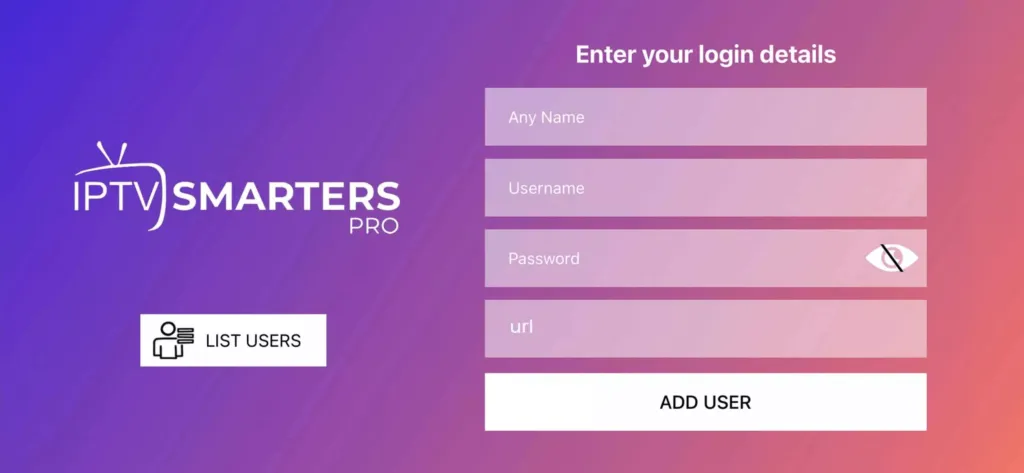
- 4.Select Login with Xtream Codes API
- 5.Enter Username, Password, and Server URL
- 6.Click Login and wait for content to load
Available Features
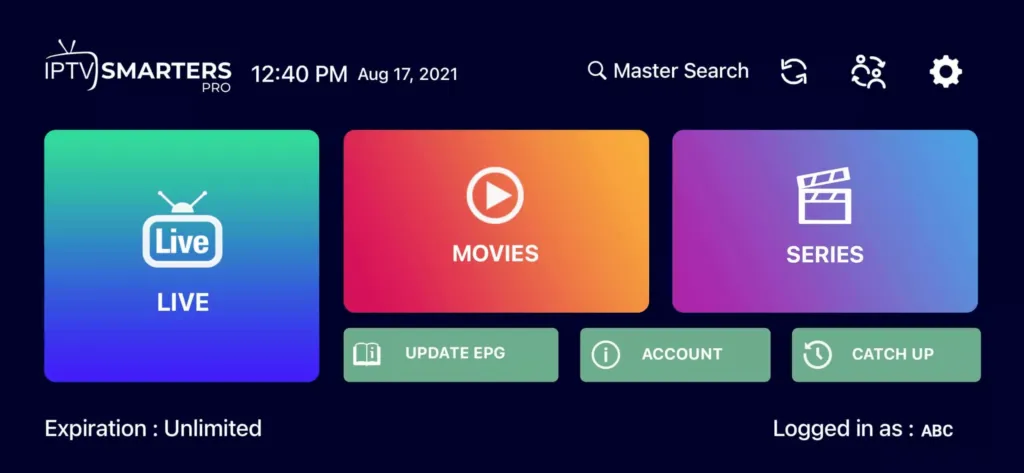
- ✓ Live TV, Movies, Series
- ✓ EPG (TV Guide)
- ✓ Catch-Up (if supported)
- ✓ Favorites & Parental Control
Amazon Firestick / Fire TV
Supported Apps
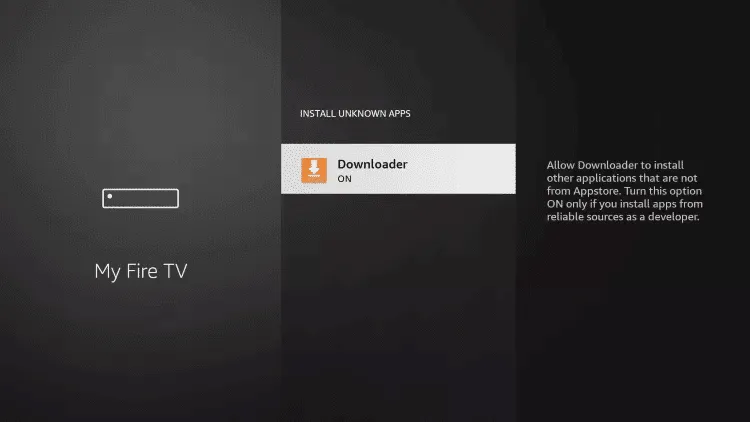
Step 1: Enable Unknown Apps
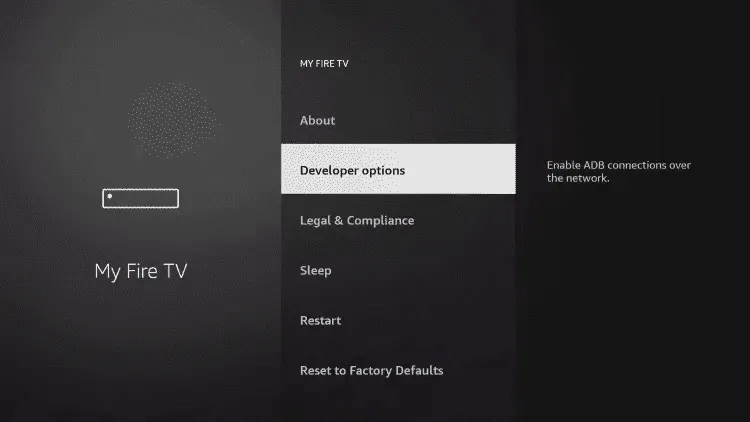
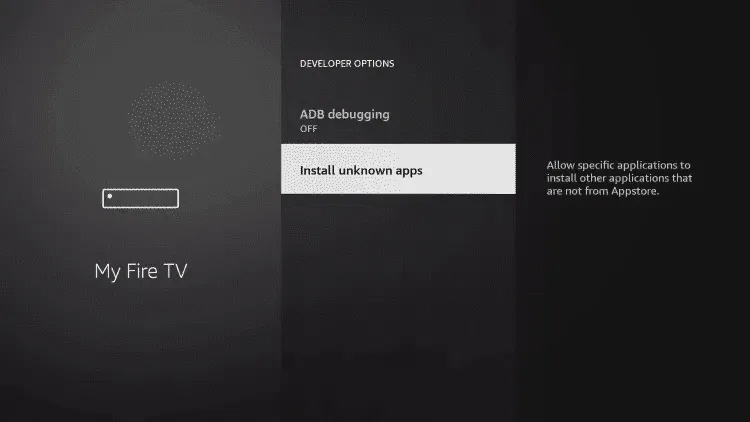
- 1.Go to Settings > My Fire TV > Developer Options
- 2.Enable Apps from Unknown Sources
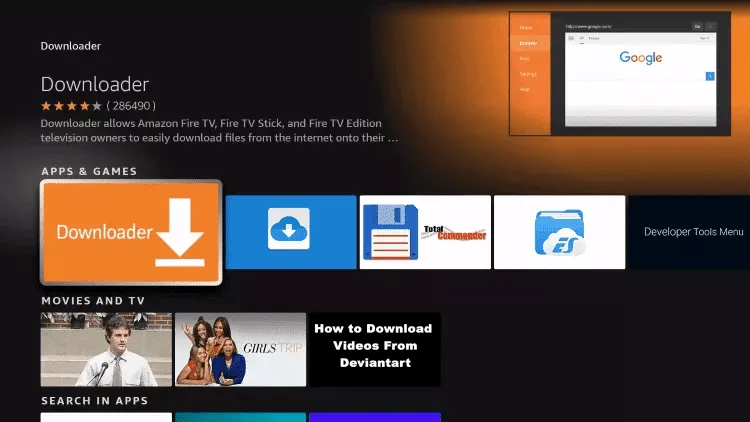
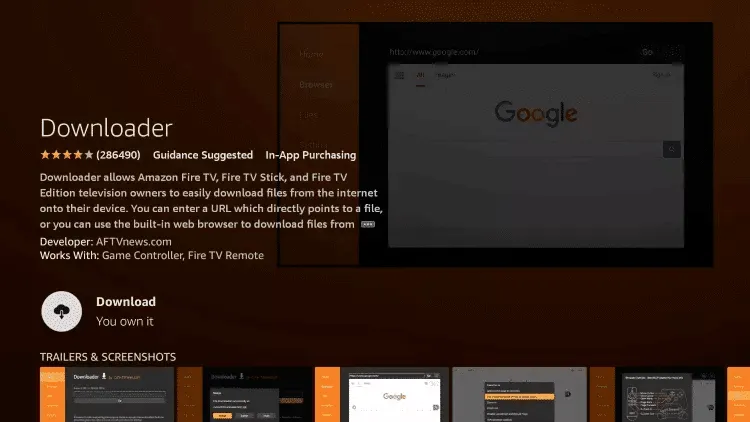
Step 2: Install Downloader App
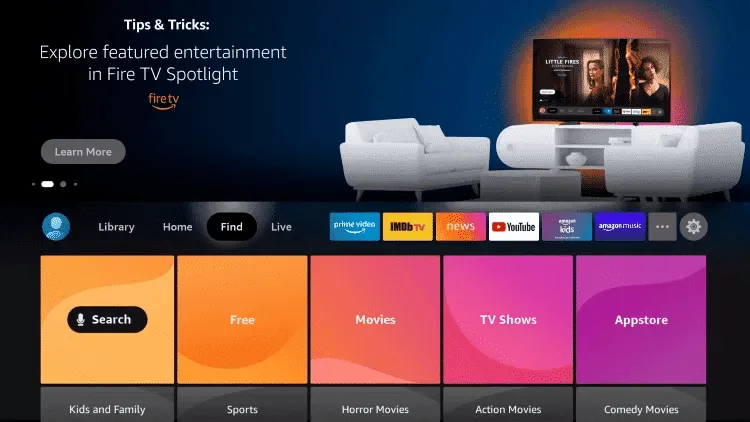
- 1.Open Amazon App Store
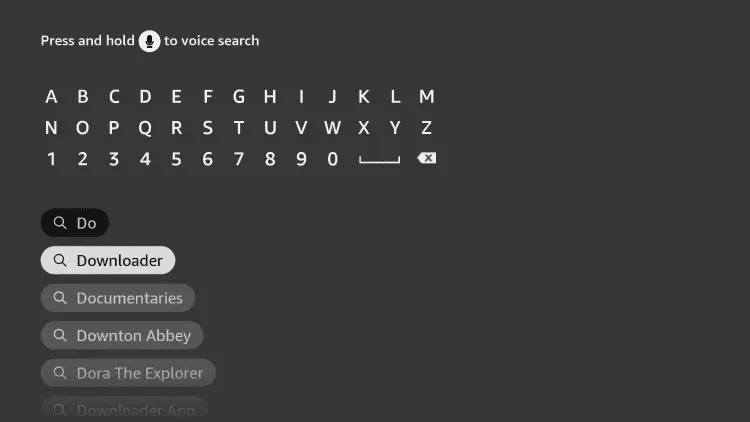
- 2.Search for Downloader
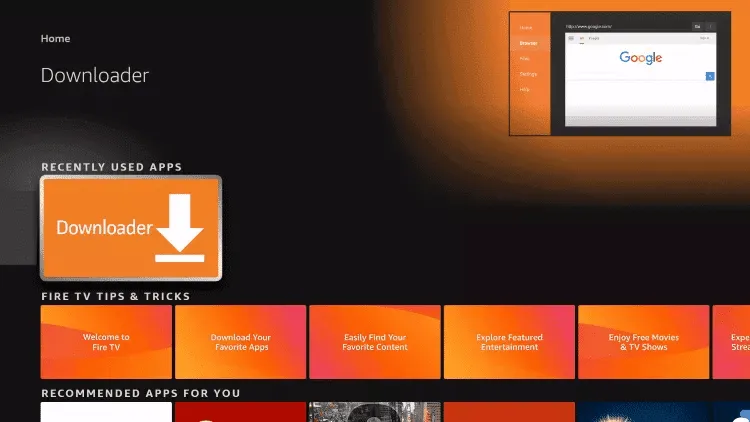
- 3.Install and open it
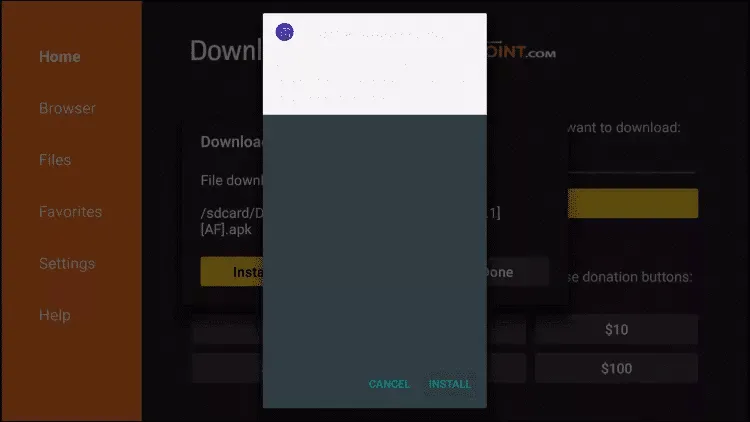
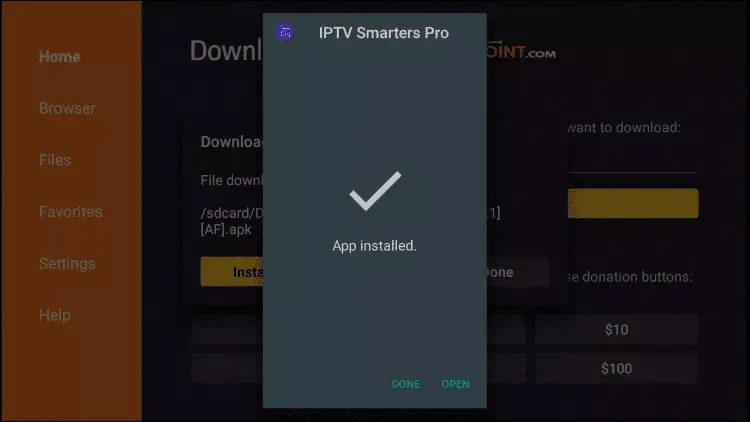
Step 3: Install IPTV App
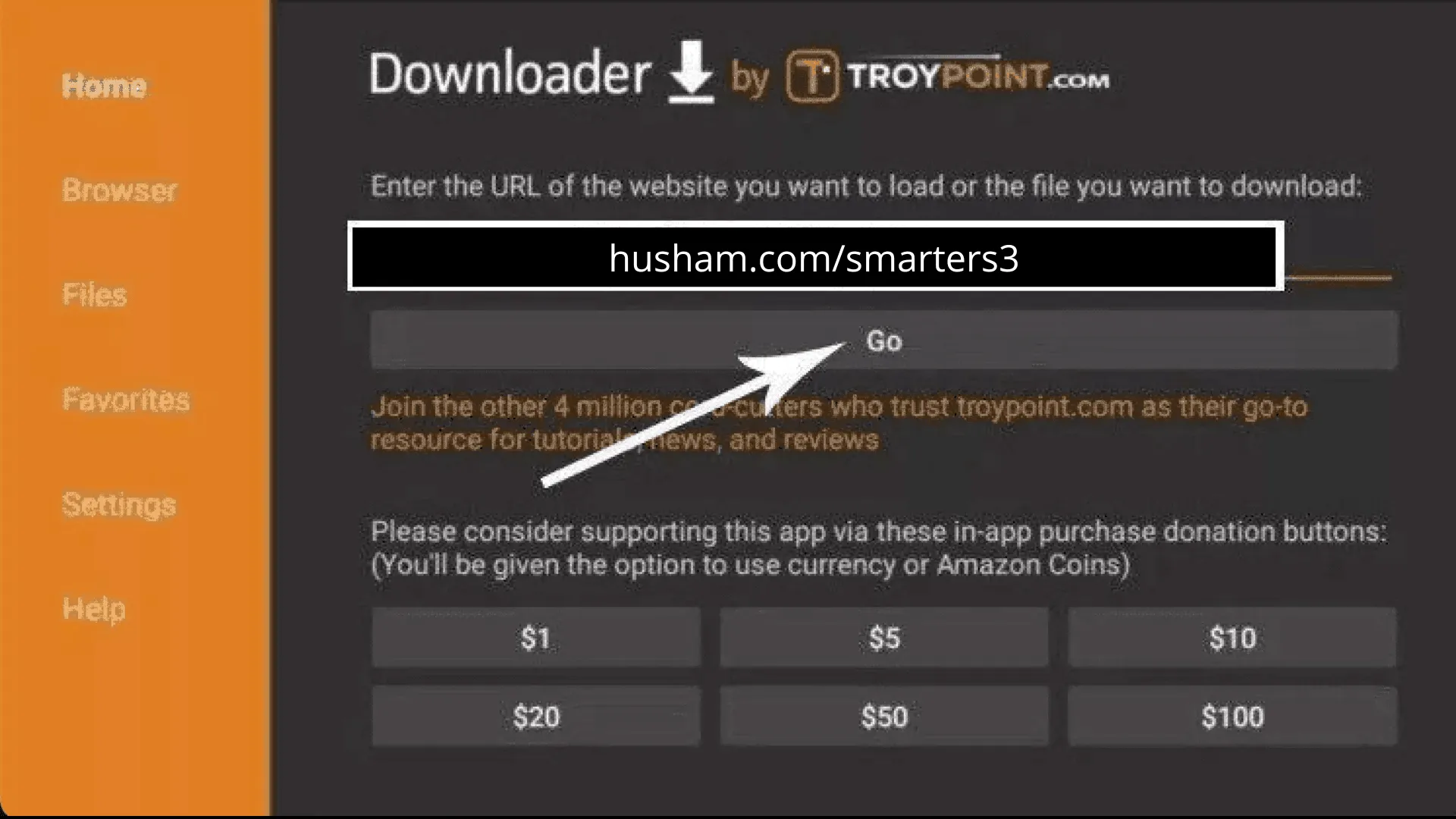
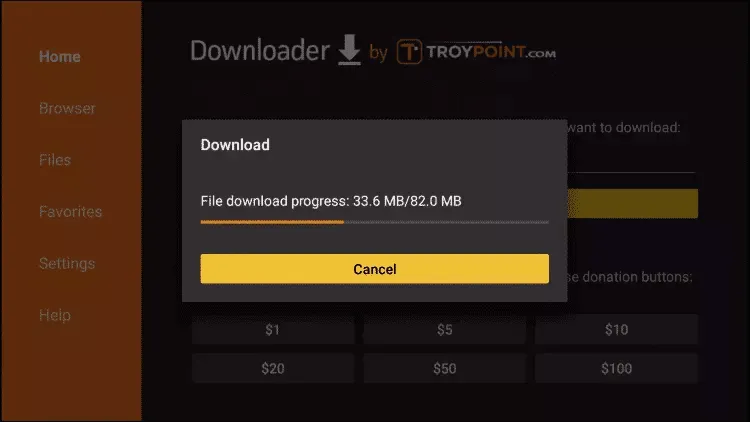
- 1.Enter the official download code or URL
- 2.Install IPTV Smarters Pro or TiviMate
- 3.Open the app and log in using Xtream Codes
Samsung & LG Smart TVs
Supported Apps
Samsung Smart TV (Tizen OS)
- 1.Open Samsung App Store
- 2.Install IPTV app
- 3.Launch app and note the MAC Address
- 4.Send MAC to FAVIPTV support
- 5.Restart the app after activation
LG Smart TV (WebOS)
- 1.Open LG Content Store
- 2.Install IPTV app
- 3.Log in using Xtream Codes or MAC
- 4.Restart TV if needed
MAG Devices (MAG 250 / 254 / 256 / 322)
Setup Steps
- 1.Turn on your MAG device
- 2.Go to Settings > System Settings > Servers
- 3.Enter Portal URL provided by FAVIPTV
- 4.Restart the device
- 5.Channels will load automatically
Windows & Mac Computers
Supported Apps

IPTV Smarters Setup
- 1.Download IPTV Smarters from official website
- 2.Install and open
- 3.Login using Xtream Codes
- 4.Enjoy Live TV & VOD
VLC (Advanced Users)
- 1.Open VLC
- 2.Go to Media > Open Network Stream
- 3.Paste M3U URL
- 4.Click Play
iPhone / iPad
Supported Apps

Setup Steps
- 1.Open Apple App Store
- 2.Install IPTV app
- 3.Login using Xtream Codes or M3U URL
- 4.Allow permissions
Enigma2 / Dreambox
Supported Plugins
Setup Steps
- 1.Install IPTV plugin
- 2.Enter Xtream Codes details
- 3.Restart Enigma2 interface
- 4.Channels appear in bouquets
Need Help?
Our support team is available 24/7 to help you with setup and troubleshooting.